A WordPress website is never truly “set and forget.” Just like a car, it needs routine checkups to prevent sudden breakdowns, security breaches, and slow load times. Skipping maintenance often leads to broken forms, plugin conflicts, or worse—a hacked site that hurts your reputation and search rankings.
Use this practical WordPress maintenance checklist to keep your site healthy year-round.
Weekly Tasks: Security & Backups
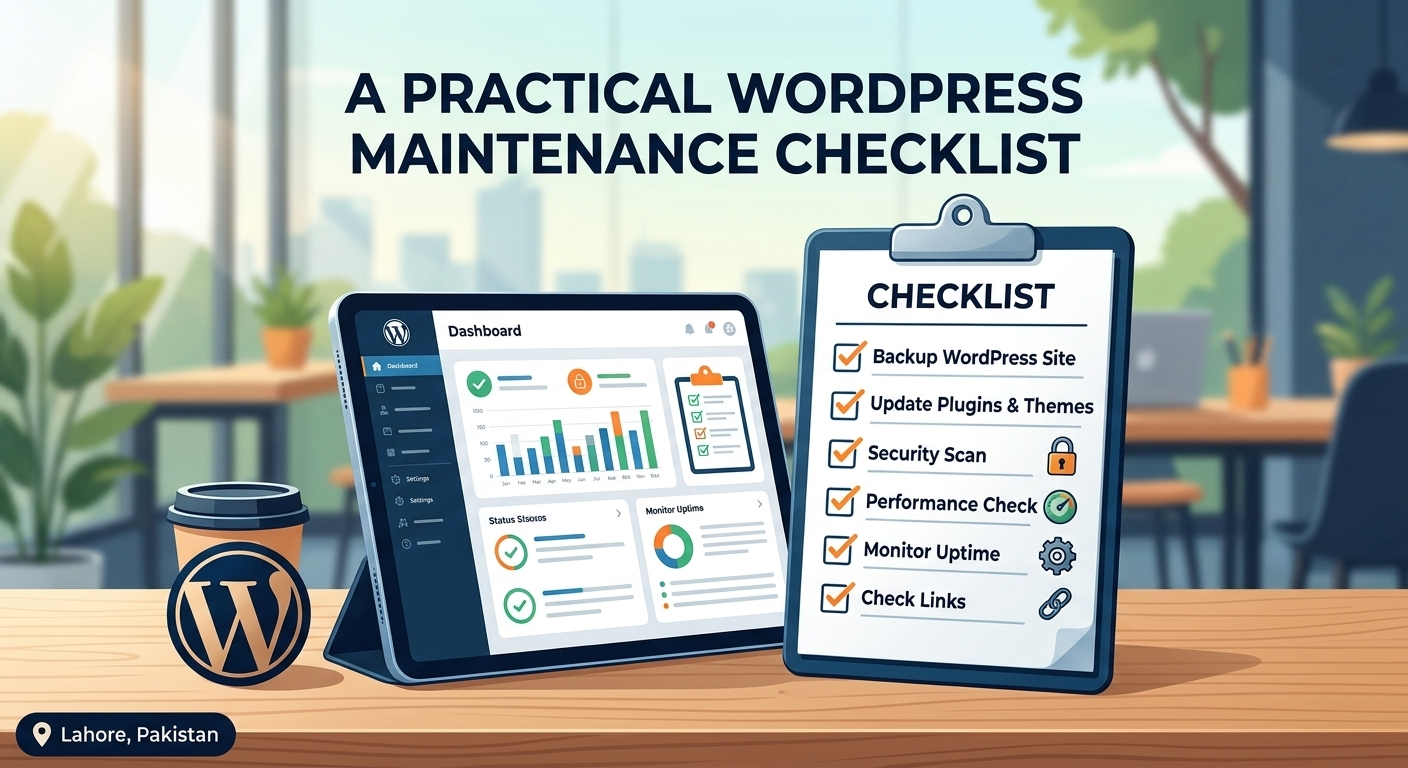
- Verify Off-Site Backups: Never rely solely on your hosting provider’s built-in backups. Ensure automated backups are running and stored safely off-site (e.g., Google Drive, Amazon S3) so you can restore your site in minutes if anything goes wrong.
- Update Core, Themes, and Plugins: Outdated plugins are the #1 entry point for hackers. Apply updates weekly—ideally on a staging site first if you run a complex e-commerce store—to patch vulnerabilities without breaking site layouts.
- Scan for Malware & Uptime: Run a quick security scan using a trusted firewall plugin and verify that your uptime monitor hasn’t flagged any unexpected downtime.
- Moderate Comments & Spam: Clear out spam comments and test your contact forms to ensure leads are actually reaching your inbox.
Monthly Tasks: Performance & Database Health
- Optimize Your Database: Over time, WordPress stores thousands of post revisions, trashed items, and expired transients. Cleaning these out keeps database queries fast.
- Check Site Speed & Core Web Vitals: Run your homepage and key landing pages through Google PageSpeed Insights. Look for sudden drops in mobile performance caused by heavy new images or scripts.
- Audit Broken Links (404s): Broken internal or external links frustrate visitors and hurt SEO. Scan your site for 404 errors and set up clean 301 redirects where needed.
Quarterly Tasks: Deep Audits & User Experience
- Test Mobile Responsiveness: Browser updates can subtly shift how elements display. Browse your site on both iOS and Android devices to ensure menus, buttons, and checkout flows work smoothly.
- Review User Roles & Passwords: Remove old admin accounts from former contractors or employees, and enforce strong passwords with Two-Factor Authentication (2FA).
- Audit Unused Plugins & Themes: Delete deactivated plugins and unused themes. Even inactive software can pose security risks and clutter your server.
Don’t have time to manage updates and backups every week? Let our WordPress maintenance team handle the technical upkeep while you focus on running your business. Reach out through our Help Center today.