Website speed isn’t just a technical metric—it directly impacts your bottom line. Studies consistently show that a delay of even one or two seconds causes visitors to hit the “Back” button before your page even finishes loading. While chasing a perfect 100/100 score on speed tests isn’t always necessary, making your pages feel instant to real visitors is essential.
Here are the most practical ways to make your WordPress pages load and feel noticeably faster.
1. Convert Images to WebP and Resize Before Uploading
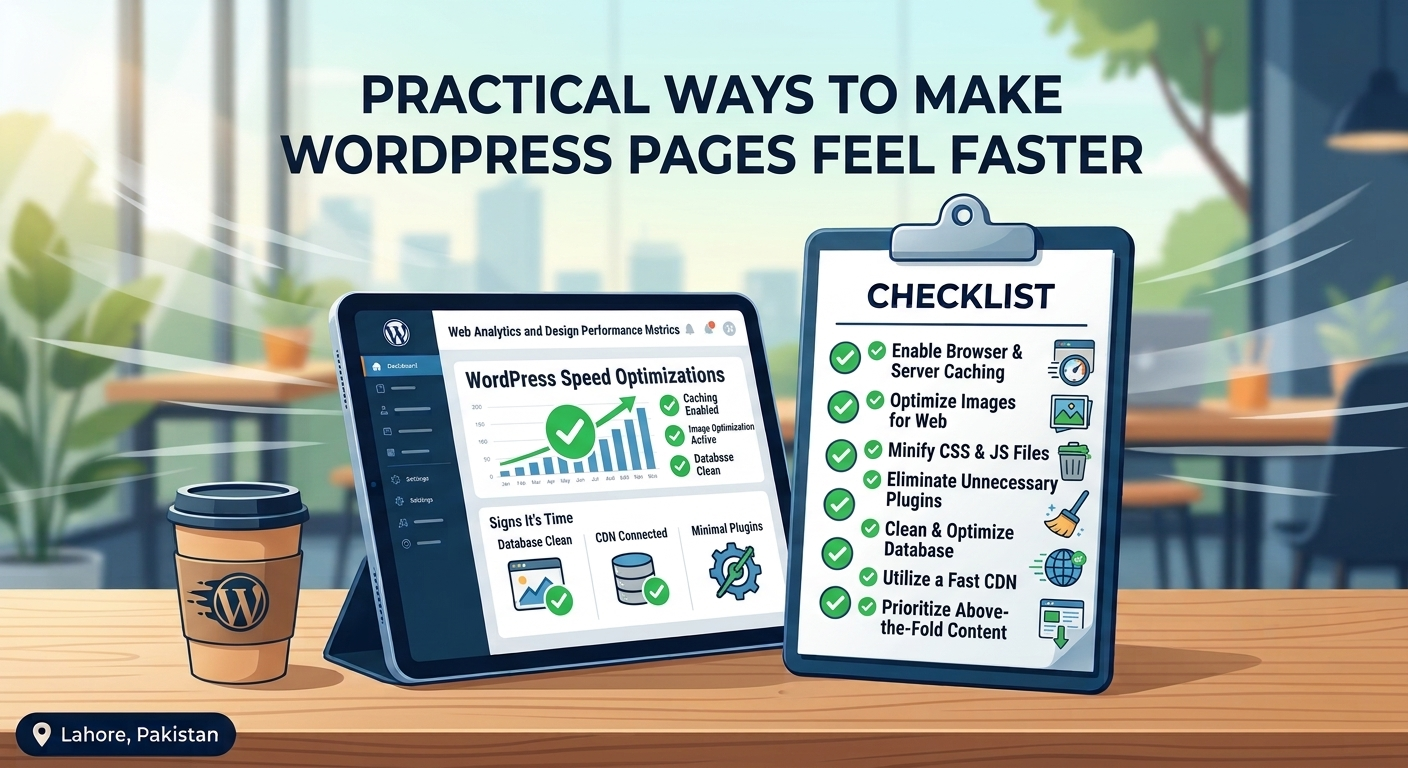
Uncompressed, oversized images are the most common cause of sluggish pages. Before uploading photos, resize them to the actual maximum width they will display on screen (for example, 1200px wide instead of 4000px straight from a camera). Convert them to WebP format, which reduces file sizes by 25–35% compared to JPEG and PNG with zero visible quality loss.
2. Implement Smart Caching
Every time someone visits an uncached WordPress page, PHP runs scripts and queries your database to build the page from scratch. Page caching saves a static HTML copy of your pages and serves it immediately. Pair a reliable caching plugin with server-level caching and a Content Delivery Network (CDN) so assets load from servers physically closest to your visitor.
3. Delay Non-Essential JavaScript
Third-party scripts—like chat widgets, analytics trackers, heatmaps, and social media embeds—often block the browser from rendering visible content right away. Configuring your optimization setup to delay JavaScript execution until user interaction (such as scrolling or moving the mouse) makes the page appear almost instantaneously.
4. Optimize Above-the-Fold Content
“Perceived speed” comes down to how quickly the top section of your screen (above the fold) renders.
- Exclude hero images from lazy loading: Lazy loading is great for images lower down the page, but applying it to your main banner image actually slows down your Largest Contentful Paint (LCP).
- Host fonts locally: Loading multiple weights of Google Fonts from external servers adds extra network requests. Hosting only the 2–3 font weights you actually use directly on your server speeds up text rendering.
5. Trim Plugin Bloat and Heavy Page Builders
Every active plugin adds CSS, JavaScript, or database overhead. Audit your plugin list and replace multi-purpose, heavy plugins with lightweight alternatives. Similarly, if your site uses an older page builder packed with unused widgets and nested containers, cleaning up the DOM structure dramatically improves mobile responsiveness.
6. Upgrade Outdated Hosting
No amount of front-end optimization can rescue a website hosted on an overcrowded, underpowered shared server. Moving to modern managed WordPress hosting with up-to-date PHP versions (PHP 8.2+) and NVMe storage instantly cuts server response times in half.
Struggling with a sluggish WordPress site or failing Core Web Vitals? Our speed optimization specialists can diagnose bottlenecks and fine-tune your site for peak performance. Submit your URL in our Support Center for a quick review.