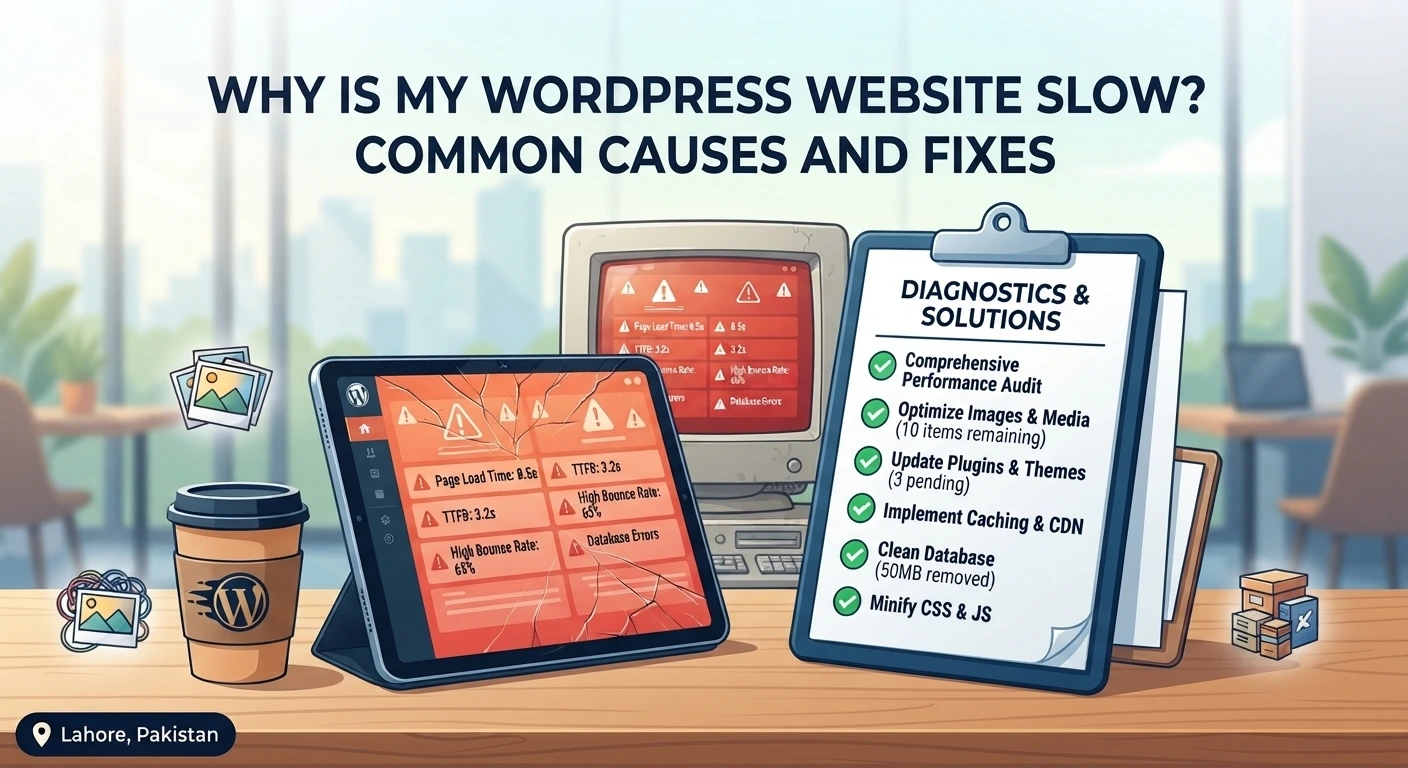
A slow website costs you visitors, leads and sales. The good news is that most WordPress speed problems come from a short list of causes, and nearly all of them can be fixed. Here is how to find out what is slowing your site down and what to do about it.
1. Heavy, unoptimized images
Large photos straight from a camera or design tool are the most common reason pages feel heavy. Resize images to the size they are actually displayed, compress them, and use modern formats such as WebP. WordPress already lazy-loads images, which stops pictures below the fold from slowing the first view of the page.
2. Too many plugins, or the wrong ones
It is not the number of plugins that matters most, it is what they do. A well-built plugin can be light, while a poorly coded one can slow every page. Remove plugins you no longer use, replace overlapping ones, and avoid tools that load scripts and styles on every page when they are only needed on one.
3. Cheap or overloaded hosting
If your server is slow to respond, no amount of optimization will fully fix it. Shared hosting with hundreds of sites on one machine often struggles under real traffic. Look at your server response time, and consider better hosting if it stays high even after you optimize everything else.
4. No caching
Without caching, WordPress rebuilds each page from scratch for every visitor. Page caching stores a ready-made version, so pages load far faster and your server does less work. Browser caching also lets returning visitors reuse files they have already downloaded.
5. Unused features and heavy page design
Page builders such as Elementor are powerful, but stacking many animations, sliders, large background videos and custom fonts adds weight. Keep pages simple, load only the fonts you need, and remove effects that do not help the visitor.
6. A cluttered database
Over time WordPress collects post revisions, expired transients, spam comments and leftover data from plugins you removed. A regular cleanup keeps queries quick and your backups smaller.
7. Third-party scripts
Chat widgets, analytics, ad pixels and social embeds all load code from other servers. Each one adds delay. Keep only the ones that earn their place, and load them after the main content where you can.
How to test your site
Run your key pages through Google PageSpeed Insights and look at the Core Web Vitals: how fast the main content appears (LCP), how quickly the page responds to a tap or click (INP), and whether the layout jumps around while loading (CLS). Test on mobile first, because that is where most visitors are and where problems show up most.
When to ask for help
If you have tried the basics and your site is still slow, the cause is usually deeper in the theme, the database or the server setup. Our speed and performance service starts with an audit, fixes what is slowing you down and tests again to confirm the result. Ready to make your site faster? Send us your website address and we will tell you where it can improve.